The Making of Coviu
Cross-posted from LinkedIn.
The creation of a company
As I prepare to step away from Coviu, I am being asked by several startup founders to share some insights and lessons learnt. I’ll reflect on the creation story of Coviu as we grew from a research project to a VC-invested health technology startup, to a profitable SME. Like any other business, Coviu has had its ups and downs. I hope you’ll find some helpful insights, particularly if you are spinning out of a research institution.
1. The beginnings of Coviu: research
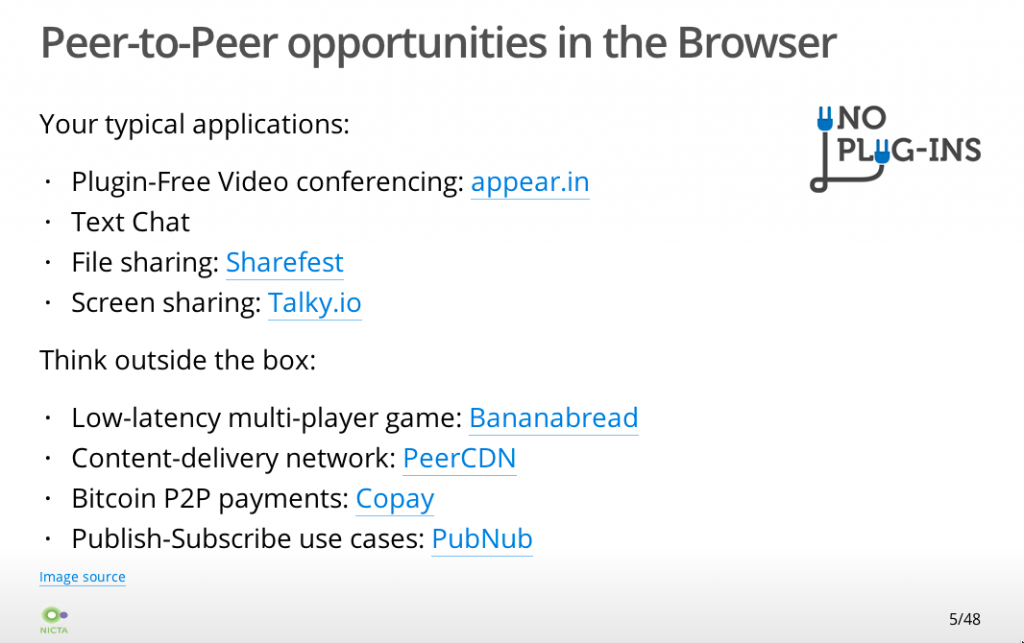
Coviu was created from a research project started in 2012 at NICTA under Dr Terry Percival. At that time, we were exploring the use of WebRTC - a new video conferencing technology in the Web browser - for healthcare and government services use cases.
I was active in the W3C - the body that writes the standards for the web - in creating the specifications for video on the Web, including WebRTC. I built a local Sydney-based community around the early use of this technology and created one of the very first implementations of a working video conferencing call in a web browser. We were at the forefront of research in WebRTC at the time, and - boy - did we push the boundaries of technology, particularly in trying to be cross device compatible.
Terry raised a research grant for the project, and I was able to hire a small research team around the technology to explore industry use cases.
One of the areas that we explored was Telehealth: more specifically, we worked with Royal Far West School on a proof of concept for the delivery of speech teletherapy into schools in the rural areas of western NSW. They had used a clunky interface built with legacy software to support their telepractice services and were excited about the modern web interface that we were able to provide. The project was called “Sounds, Words, Aboriginal Language and Yarning” (SWAY) and can be found at https://sway.org.au/.
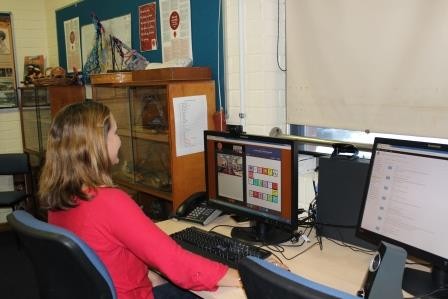 SWAY product in action
We demonstrated this interface to several NICTA visitors, including healthcare specialists, surgeons from leading hospitals, primary care physicians, and even politicians. They all saw this technology’s potential to make Telehealth a universally accessible capability in Australia. So, our team decided to build out the demonstrator into a proper web application that could be commercialised by NICTA/CSIRO.
LEARNINGS:
The early days of a startup are often messy. You have an idea, you talk with a lot of people about it, you zero in on a specific use case, talk with potential users, build a demonstrator, and build an early team. It’s still pretty non-committal. Everybody is chipping in their spare time and free advice. We were lucky to be funded by a government grant to develop the first demonstrator and to be able to execute this work within the safe confines of a NICTA/CSIRO job so we could focus on product development and use cases. We made sure at this time to set everything up for a startup: particularly that there was no joint IP ownership with other institutions, as that would have caused a lot of headaches down the road.
2. Making it real: commercial value
The next step was to consider how to commercialise our ideas and technology. We needed a market that would buy what we built, we needed a product idea that would have commercial value, we needed a business model through which we could charge customers, and we needed a path to give CSIRO a commercial return for the work.
There were several Product/Market/Business Model combinations that we explored:
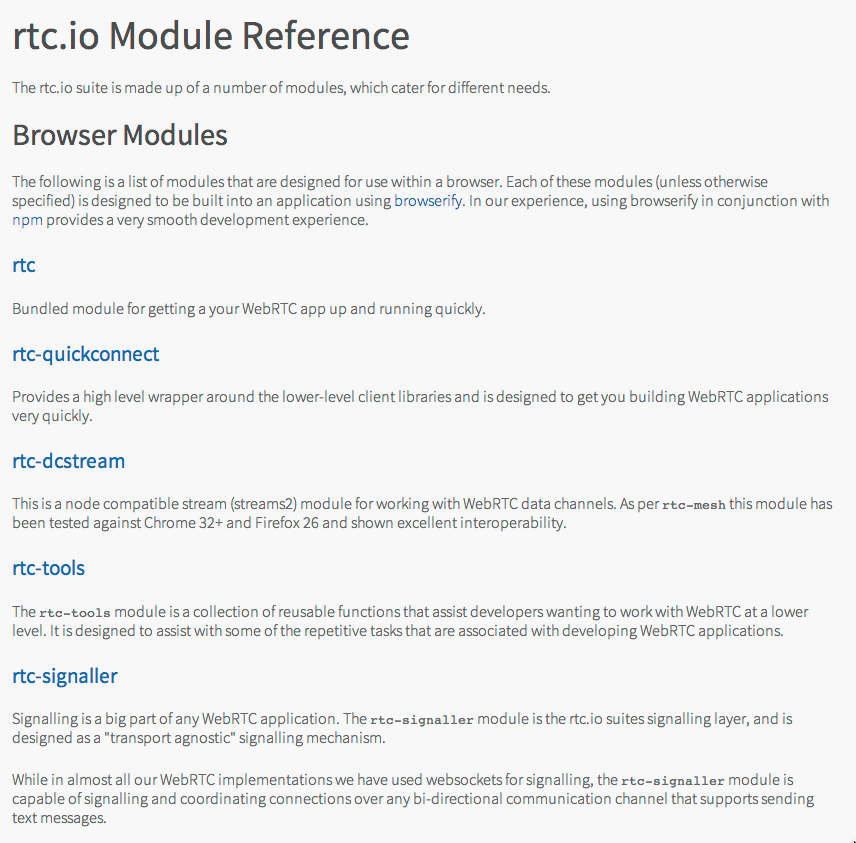
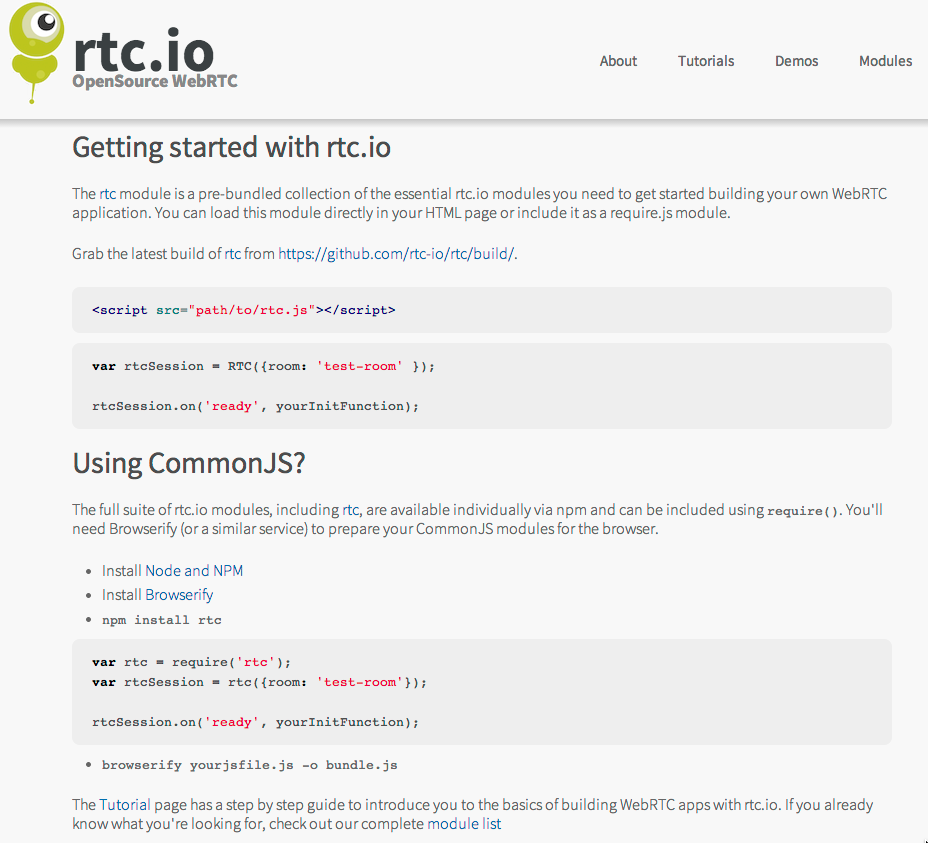
- the creation of an Open Source project that would make money from support contracts. This actually progressed and became http://rtc.io with a GitHub repository that was at one stage used by several businesses and made some small consulting income for NICTA. However, the problem that we solved was mostly the cross-browser incompatibilities. These went away as the WebRTC technology matured, so this wasn’t really a scalable business.
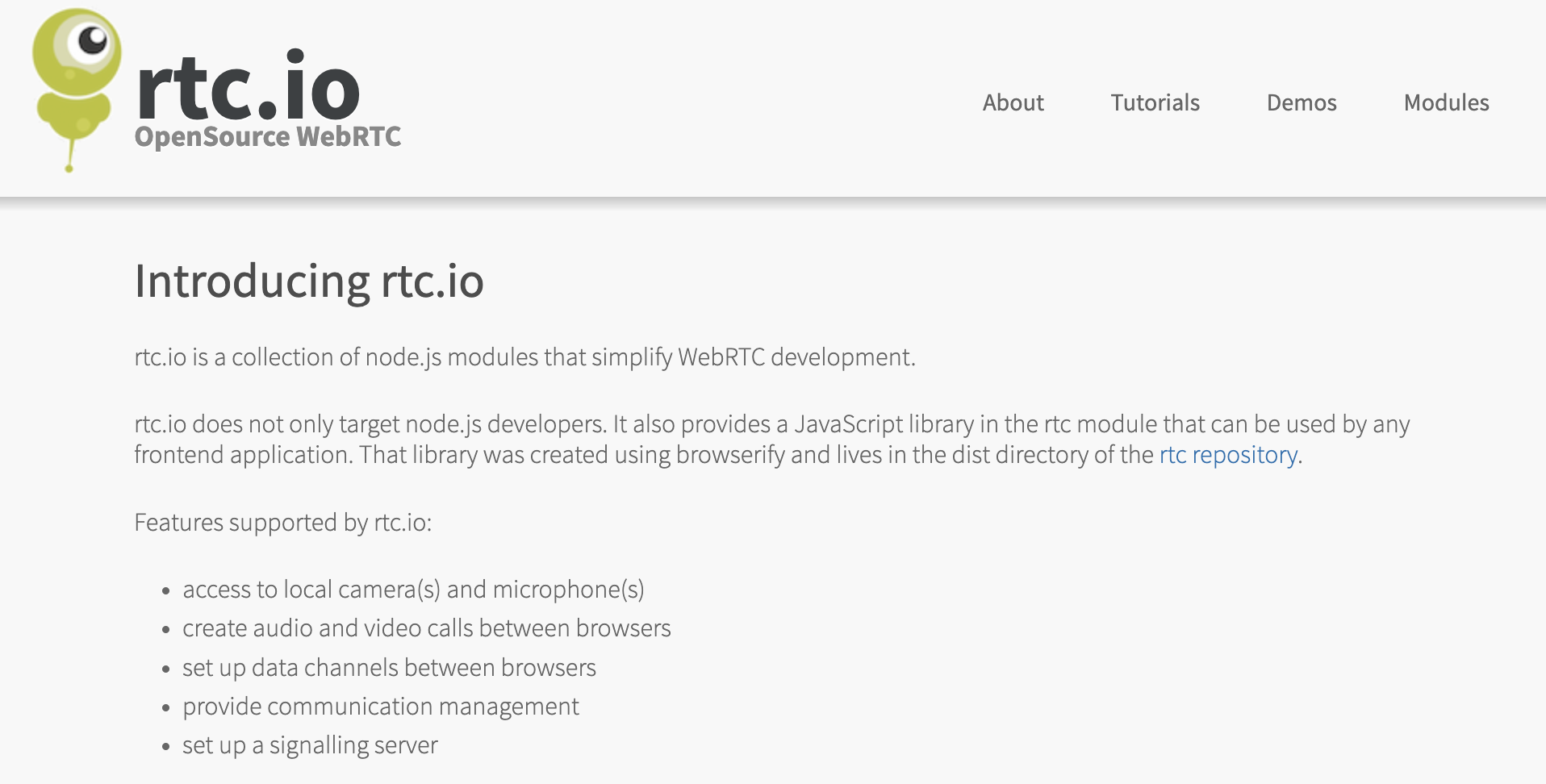 Open Source WebRTC library
-
the creation of a PaaS (Platform as a service) where we would build the backend technology required to run WebRTC applications and offer an API for customers that would build their market-specific application on top. This is the Twilio API approach. We worked a bit in this space, but several well-funded startups had a head start, including TokBox, which later was acquired by Vonage. Several successful companies are now playing in this space, incl. daily.co, agora.io and jitsi.
-
the creation of a tech consulting business where we would help others build their WebRTC applications (using our own or somebody else’s PaaS). This is what WebRTC Ventures is doing. As a business out of Panama, they have access to affordable developers, which is what you need to make such a dev-focused business scalable. We could not compete.
-
the creation of a software platform that would allow us to offer a virtual service solution for several markets, which included healthcare, finance, government services etc. The idea was to customise and white-label the software as an enterprise solution for large organisations, a bit like what Stackoverflow does for online community platforms.
All of these product ideas targeted different markets, and we explored the size of almost all of these markets at NICTA and later at CSIRO’s Data61. We had a massive spreadsheet with detailed market size estimates that identified the different market’s TAM, SAM and SOM.
We also built demonstrators for all of these products and tested market adoption by interviewing potential customers. A basis was laid for commercialisation into several different companies. But NICTA/CSIRO could not support such a diverse market entry.
It became apparent very quickly that to sell into this many different markets with this many different products, we needed specialised tech configuration, sales and support staff for each one. Each was a different business that would need a leader. NICTA/CSIRO asked me eventually what I wanted to focus on and whether I would be willing to lead a spinout. A tough question when you’re a technology leader who’s just trying to create valuable IP for a research organisation.
I eventually decided to follow my heart with a focus on the most impactful market, which was dearest to me: the healthcare market. We left some of the other opportunities behind with CSIRO, but since there was no leader behind any of the other opportunities, the rest of the technology and opportunities eventually disappeared.
LEARNINGS:
The biggest learning here is that you have to make choices. Executing on all possible commercialisation opportunities for a new technology or idea isn’t feasible. Pick one, be ultra-focused and execute on that. You don’t have the bandwidth.
We spent several years going through the motions and different platforms to test the market, but ultimately, the interest and passion of the key leader will make the decision, so don’t waste time on covering all the possible opportunities (we were only able to do this because we were at CSIRO).
Interestingly, Coviu still has some generic language in its platform from back in those days when we experimented with using the platform for several markets - the impact from the early work you do has a long-lasting effect!
3. Getting ready for independence
In parallel to exploring all these different market opportunities, I worked on a way to spin the project out of NICTA/CSIRO into an independent company. We registered “Coviu Global Pty Ltd” as an Australian business in December 2015. This allowed us to set up a bank account through which we could collect payments for the self-service platform that we had created - something that NICTA/CSIRO wasn’t able to provide for - so we collected the revenue for NICTA/CSIRO in that separate bank account. The first payment came only in mid-2016, which felt like an eternity.
I was starting to talk to potential investors, particularly VCs, as I was hopeful to get at least 50% of the 12-person large project team into a startup. The VCs gave me the feedback that this was too big of a founding team for a company selling into an emerging market with very little revenue. As it turned out, most team members weren’t interested in taking a risk on a startup anyway.
I also needed to get the IP situation with CSIRO sorted - were we going to get a license to commercialise the IP from CSIRO, or was CSIRO willing to assign the IP in return for shareholding in the company? There were internal processes to follow and committee meetings to make submissions to. It took until March 2017 for an agreement to be signed - a huge thanks goes to Shelley Copsey, who had joined Data61 as Commercialisation manager in 2016 and was helping me get through this due diligence.
In parallel, we went through the CSIRO ON Accelerate program in 2016 with 4 team members: Nathan, Jeff, Georgie and myself.
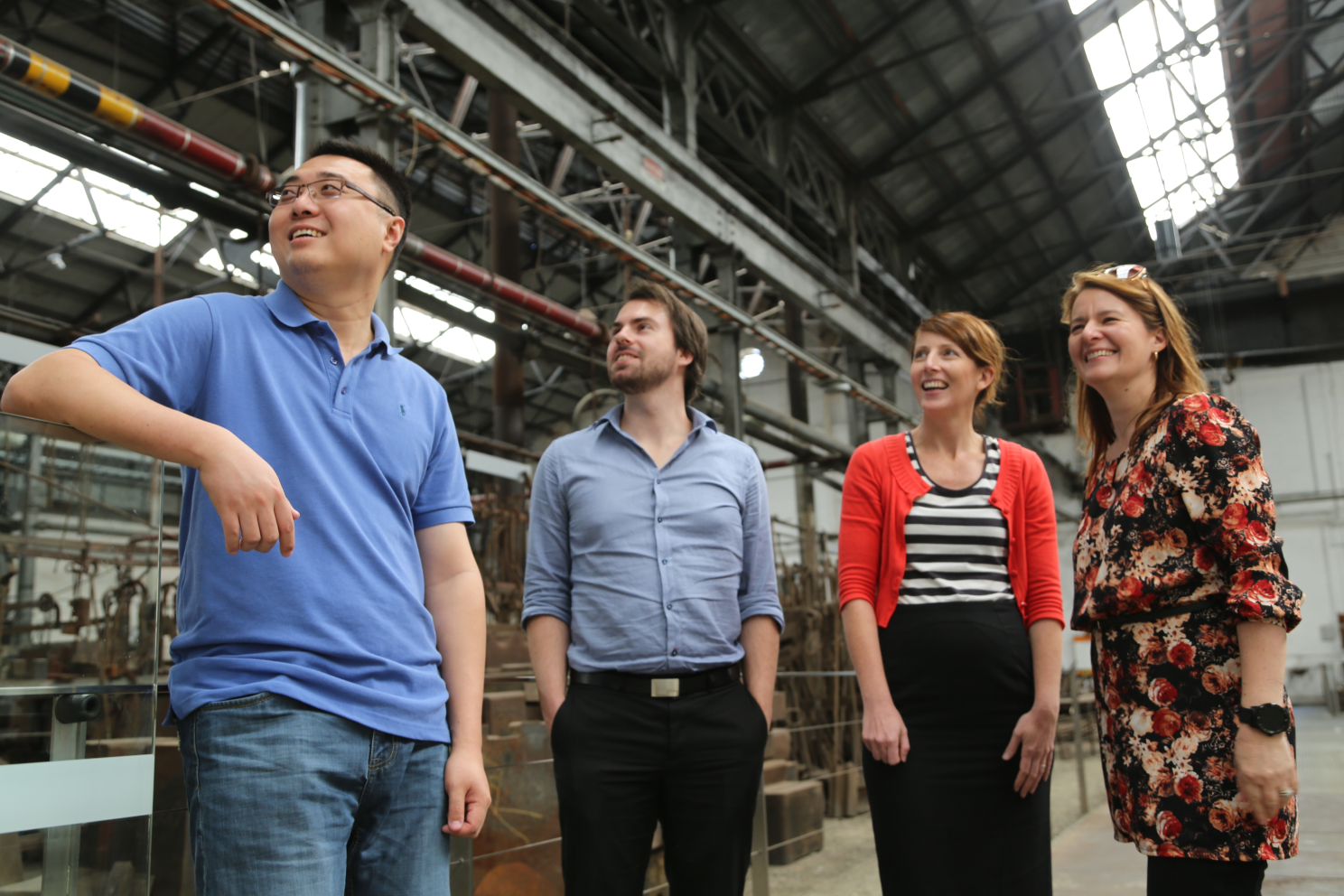 ON Accelerate Team in 2016
During ON Accelerate, we built a great relationship with Phil from Main Sequence Ventures. Nathan gave the final presentation on pitch night and did an amazing job (I was on holiday in Germany)! We received some funding from CSIRO to continue preparing for spin-out. After that, I was on the rollercoaster of raising capital, while Data61 started reallocating team members to other groups as the government grant for the team was running out.
It would take until 2018 to actually close our Seed Investment round. At this time, only Nathan and I were still working on Coviu, and I was only part-time. Main Sequence Ventures saw the opportunity and invested Seed funding and in May 2018, Nathan and I were the first Coviu staff and needed to find ourselves new offices. At that time, we only had a small customer base and not enough recurring revenue coming in to cover expenses, so we really had to make the investment money work for us by keeping costs low and looking to get new customers at every opportunity.
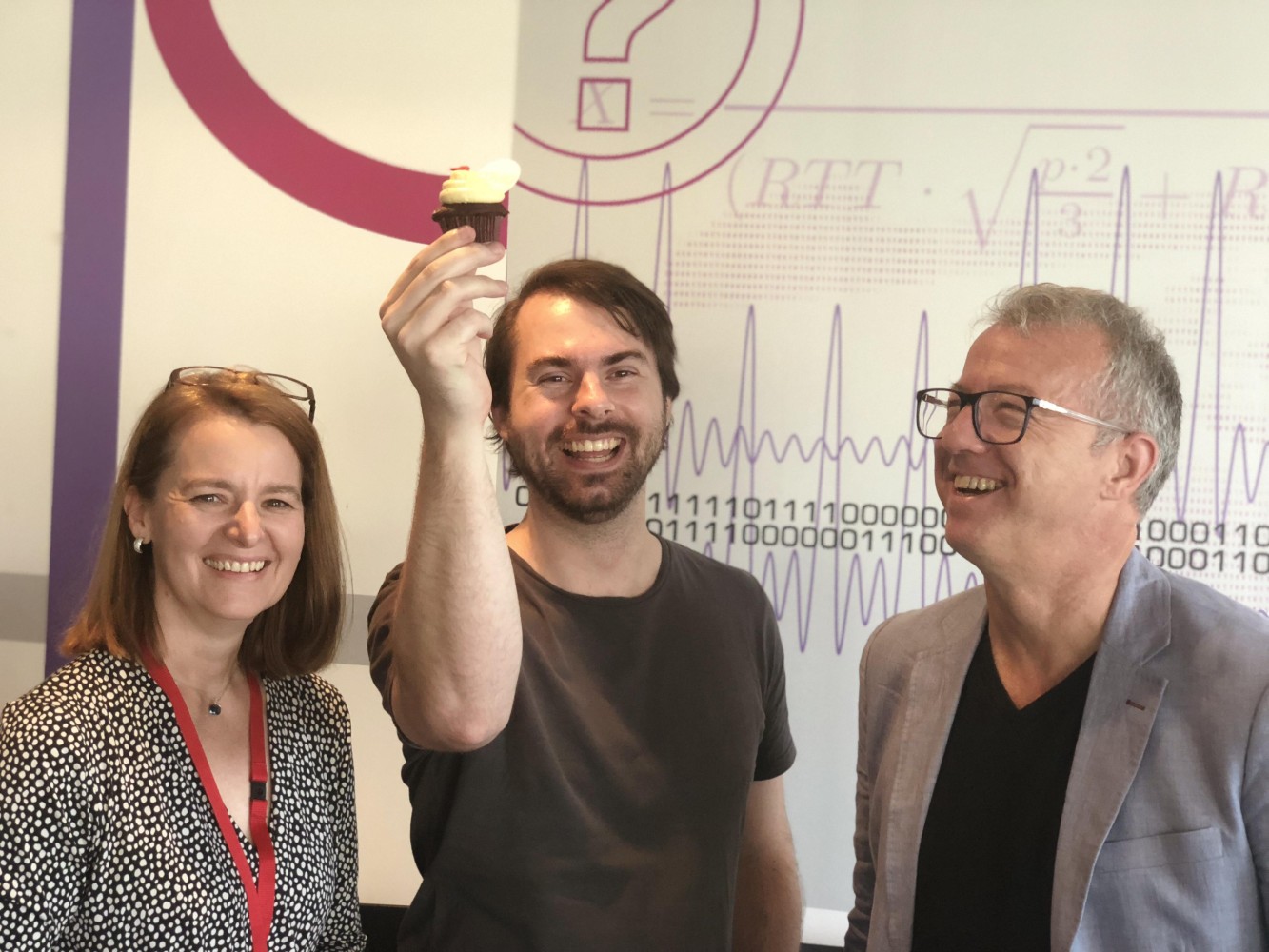 Investment Party at Data61 in 2018
LEARNINGS:
This was a tough journey - don’t underestimate how difficult it is to:
- create a product that people are willing to pay for,
- reach an agreement with a research institute about how to create a company jointly,
- spin a team out of a research institute, and
- raise your first external investment round.
I can honestly say that without the help of so many people within CSIRO and outside, it would not have happened. Thanks to you all!
I also took part in another five accelerators in addition to ON Accelerate to learn more about marketing and how to run and grow a business, just to be prepared for what would come next. All those learnings were important, but I only picked accelerators that wouldn’t ask for shares.
4. The startup is alive!!
Here we were, having taken the step into independence and facing the challenge of creating a company. Some key components to take care of: hiring, company culture, mission, product, marketing & sales, operations, and a new website.
Nathan and I actually started with ground rules for the kind of people we wanted to hire and the kind of culture we wanted to build. A couple of key components were that we wanted to hire self-motivated, competent team members with a drive for constant learning and improvement and getting stuff done. We wanted to remain scrappy and retain our entrepreneurial spirit to make a difference with little resources. And we wanted people to respect each other and care for the team.
Our mission was set from the start to be making healthcare more accessible for patients through digital technology and that’s still the foundation of the company and has helped attract the right kind of staff.
With Nathan in QLD and me in NSW, we were always going to build a company with a remote working culture, which suited us both. We hired a remote marketing manager and got to work setting up a marketing strategy. At the same time, Nathan continued working on improving the product and I looked after the operational and financial side of things. Nathan hired two junior software engineers, and we set up an office in Brisbane as the engineers worked better together in the same room, especially in the early days. The more customers we got, the more requirements on the reliability and functionality of our product were uncovered. Hiring sales and marketing staff was next on the list, so we set up in a startup workspace in Sydney also.
We went to conferences to expand our reach and noticed that Facebook marketing didn’t work for us but that we would see an increase in customers after every conference - a pattern that has continued to be true throughout Coviu’s lifetime. Even with small customers, direct conversations with leads is the way to close them if you’re starting to sell in Healthcare.
We also managed to win a couple of smaller and bigger government grants that were strategically placed to push our product forward in certain areas and helped mature us as a company. We began selling to smaller practices that would deliver services into rural and remote areas, mainly in Allied Health. In parallel, we did some projects with “enterprise” customers - i.e. larger, multi-location healthcare providers - that would expand our product to their specific needs. Always with a strategic view toward growing the platform’s capabilities and aligning with future customers’ needs.
We introduced an annual “offsite” for the company, which for a distributed company like Coviu really means it’s an on-site where staff would meet and work at the same place together once a year. These were great for staff morale, annual planning, and to build relationships. Our early offsites were held in Airbnb-rented houses with enough rooms for the whole team and large sitting rooms to hold our sessions. These offsites were always a lot of fun while also getting much work done.
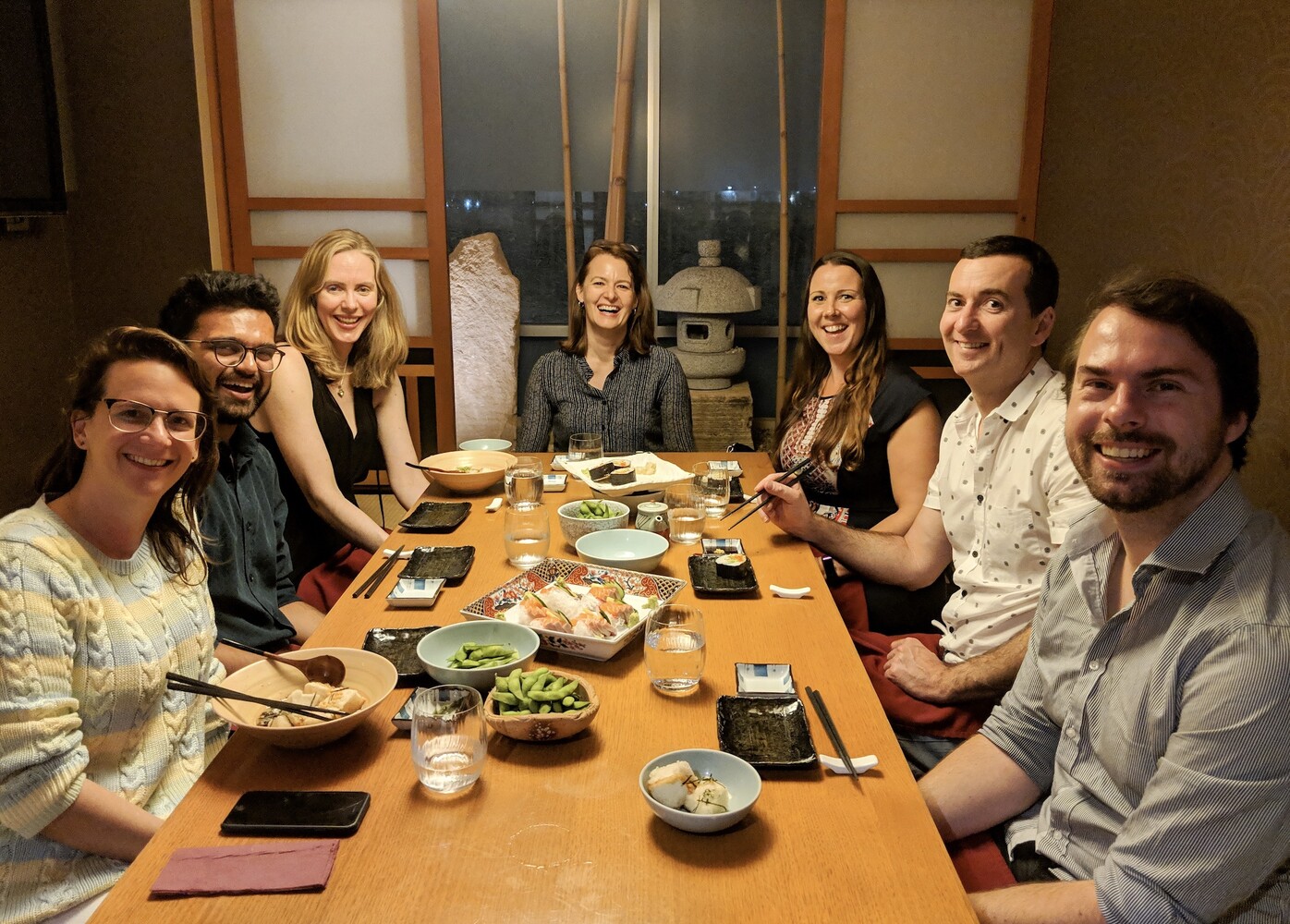 First Coviu Offsite in December 2018
The early days were a rollercoaster with lots of great and terrible days. I remember once taking a call with a customer who screamed at me for 30 minutes that our software wasn’t working for her with her rural patients and that we were making it impossible for her to make therapeutic progress. I couldn’t get a word in edgewise to solve her technical problems. But I could understand how much she cared about her patients and just wanted the best experience for them, and I felt her pain. We knew we had to do better and always retained that drive to continuously improve. After all, we’re here to improve people’s access to healthcare, and that’s as important as it gets.
LEARNINGS:
There are so many learnings from the early days!
- Hiring is always a challenge and you will hire different people in the early days than later. In the beginning, you need all-rounders, people who are prepared to do what it takes, no matter their job description. You can hire specialists later.
- Building a culture in a distributed company is hard, and it needs to be done with intention and repetition. You need to create rituals and have many more meetings than you would probably do when everybody is co-located. It also takes a certain maturity with staff to be able to be self-sufficient, get through problems and know when to ask for help, as nobody will observe your struggles at home. The offsites were so important, as were our weekly team meetings. And it helped that we had a Brisbane and a Sydney co-working space at the beginning.
- Selling wasn’t easy in the early days, and all our staff needed to know the product inside out and how to do an elevator pitch as every individual clinician counted. Everybody had an impact and contributed to growing the company. Building out templates for customer presentations, standard customer contracts, standard pricing tables, demo materials, support materials, software documentation, test suites etc, were all important to move us forward.
- Like many SaaS companies, we started by selling to the small businesses in our target market (i.e. private healthcare practices). The amount of functionality required to land an Enterprise customer takes years to develop. It includes regulatory compliance, a security posture and reporting that is hard to do in the early days. It wasn’t possible to jump at government tenders and the like immediately. We had to make our way there.
- Government grants can be a great source of free investment money, but can also side-track you, so be careful what you bid for, as the reporting requirements and the project management on grants can be excessive. One of the grants that we won built us an amazing partnership that continues to carry us forward even today.
- We also expanded our team size through interns, some of whom were amazing and some not so successful. We had one intern in particular who stayed with us for a long time and was a great contributor, so it can be very successful and rewarding.
- Key was not to run out of money - the R&D Tax rebate was important and we had to make sure that we could pay our staff from SaaS recurring revenue and custom contracts that we agreed to undertake.
The early days were really just about not giving up. We knew we were impacting people’s lives, which carried us forward. We also knew that we could only build a profitable business if we achieved scale because individual practitioners weren’t paying much money, so we just had to continue pushing the barrel up the hill until it would get momentum.
5. Unexpected silver linings: success
The momentum came with the COVID-19 pandemic in March 2020 (and yes, it is a complete coincidence that our name is one letter different from the pandemic). It took the prior year’s work to be ready for that success.
We had built ourselves a trust network in the healthcare industry. We were connected with medical industry associations that called us on the day that the Medicare MBS telehealth items were made available to ask for discount codes for their members as they were giving them recommendations on which telehealth platforms were clinically focused and to be trusted from a privacy, data encryption and data sovereignty point of view. This is how the storm of phone calls, demos and self-signups on our website was started.
We also had a partnership with Healthdirect, the government organisation that - as one of their digital health projects - supplies public hospitals in several states and all GPs with a free telehealth platform, funded by state and federal health departments. Their updated Video Call platform - which was powered by Coviu - had launched in September 2019, and it was ready to scale for the needs of the pandemic.
Once the MBS items were announced, our Website page views grew by 10,000%, and we grew the number of daily consultations by 5,000% from 400 to 20,000 calls a day. Healthcare providers of all specialties called us at all hours of the day as they were preparing to turn away from in-person consultations to virtual consultations and had no idea how to do this.
The flood of enquiries meant we had to hire and onboard support staff quickly. We had to deal with up to 1,000 enquiries a day - over 20 people were hired in the course of 2 weeks and helped onboard each other as well as new customers. We had set up an online chat support interface, a phone support number, an email support address, demo webinars, and an online knowledge base before the pandemic and these were vital to scaling up our support. We introduced early and late shifts and covered the weekend. Our internal communications revolved around Slack, daily standups, and daily video calls. All these support mechanisms had been set up during the previous years and were vital to train the nation’s healthcare providers and consumers in telehealth and onboard our staff at scale.
We were also only able to convert the storm of new customers because we had set our Web application up with a complete self-service interface - most other telehealth startups had to manually sign up every single clinician, which was not scalable during a pandemic.
Our engineers worked overtime to keep the platform online, scale the demand on our infrastructure and fix bugs exposed through the high demand. We couldn’t work on integrations with EMRs or practice management software or develop other new features until the storm subsided and we had raised a Series A investment round in December 2020. This investment round finally allowed us to develop many of the features clinicians demanded to make telehealth a seamless experience as part of digitally supported workflows in their practice or clinic.
LEARNINGS:
- If your business model depends on scale, be prepared to scale in all aspects of your business - in sign-ups, customer acquisition, customer support, and technology.
- Building our brand exposure in our industry through marketing partnerships, press exposure and vendor partnerships was vital to getting recognised as a solution in times of need.
- It sometimes takes extraordinary events to create the shift in the industry that is needed for your company to succeed - a bit of “luck” and the right timing are just as important as a good product, business model and go-to-market.
- A team built through fire creates a unique, collaborative company culture, with everybody helping everybody else.
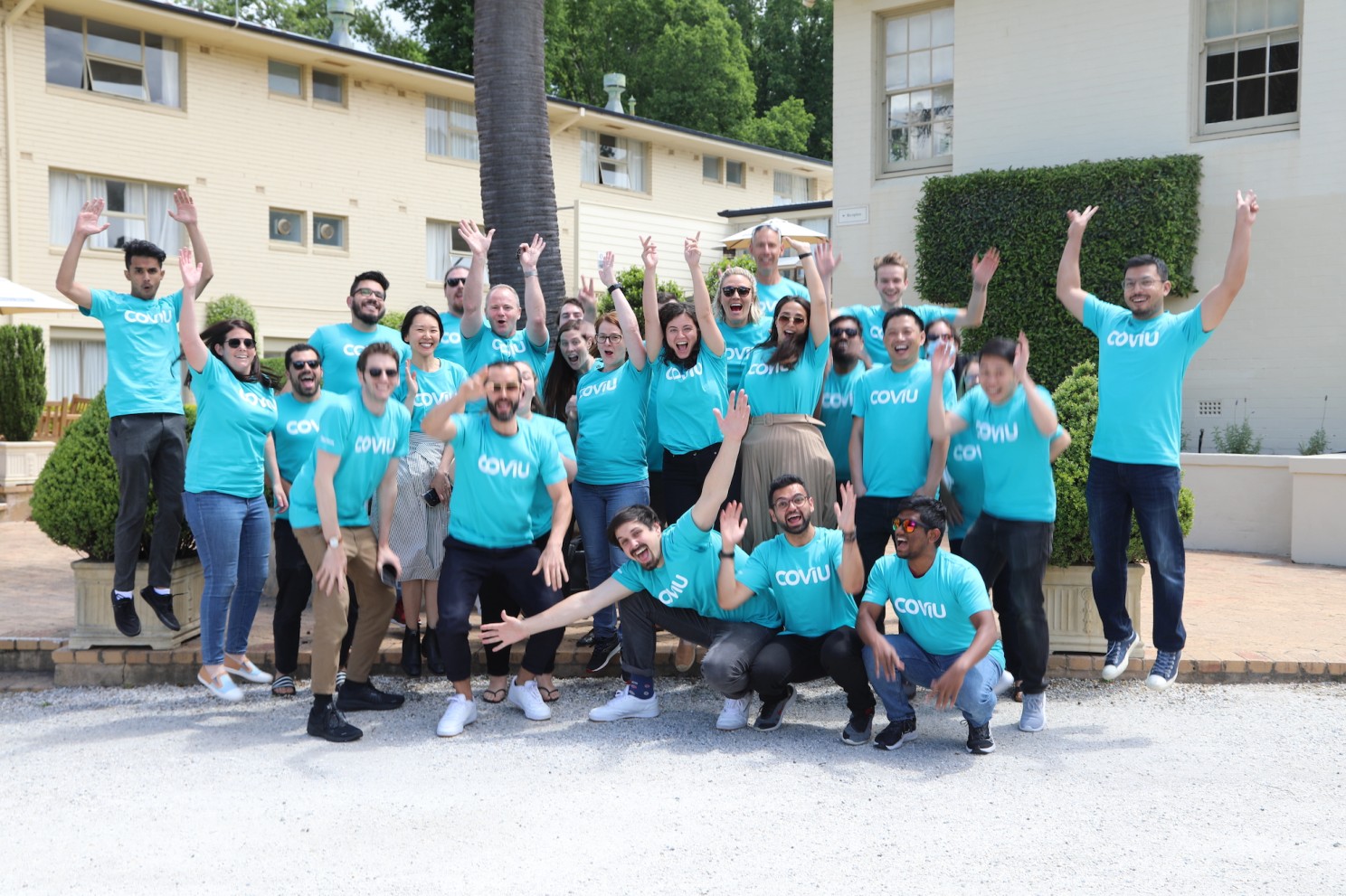 Company Offsite November 2020
6. Business as usual: a real company
Once the initial storm of the pandemic subsided, we were able to focus on many things that allowed us to become a real company. It was a real learning to mature each of the following components:
- Organisational design: develop an org chart, deploy people into departments, and support our cultural maturity through promotion processes and engagement surveys.
- Productivity: create a product-driven organisation with sprints and regular releases to enable engineering to become the engine of the company and be faster at addressing our bugs and the needs of healthcare providers and patients.
- Operations: introduction of a centralised business management system covering marketing, sales and customer support from within one unified environment, and introduction of a centralised system of record to store company knowledge such as a detailed staff handbook.
- Financials: investment through closing series A round, understanding our SaaS metrics, and deeper insights into our business metrics.
- Expansion: start selling to enterprise customers and find a new strategic growth opportunity in the US.
- Compliance: HIPAA, ISO27001, TGA SaaMD and the creation of compliant policies and workflows, all of which are needed for enterprise customers.
- Ecosystem: creation of an Apps marketplace and EMR integrations and APIs to allow us to integrate with other vendors in the healthcare market and make an outstanding customer experience.
This is done to better achieve our mission of making healthcare more accessible for patients through digital technology. It has led to a more mature business that can better meet customer needs.
LEARNINGS:
- The challenges never stop. They just change. For example: Our sign-ups and usage tracked closely with the waves of COVID making it challenging to know when we were making progress as a company versus just being subject to the whims of the pandemic. Our goal had always been to build a strong, capable and data-driven business, but all our experiments kept being disrupted by COVID, and it was very hard to attribute success to anything but new outbreaks. Only now that things have calmed down can we run experiments that give us real insights into what makes telehealth work for our customers, the clinicians. We’re fortunate that our industry has changed completely and patients now demand telehealth services, so the industry and reimbursement paths are adapting.
- Never take your eyes off your customers. We’ve realised that what was sufficient functionality-wise for a telehealth platform before the pandemic differs from what is expected post-pandemic. We always, always have an ear for the needs of our customers and continue to address their needs with new and reworked features. This will never stop in a software business.
7. A summary: Perseverance and kindness
Finally, I want to say a word to all the founders who are trying so hard: Be kind to yourself. As a founder, you will make a lot of mistakes, you will fall down and get up again and try again and learn. That’s the only way to improve. Don’t beat yourself up over mistakes - learn from them and move on. It’s a very ungrateful position because nobody will pat you on your back and tell you how well you’ve done. People will typically just demand the next goals to be reached, and that includes your own demands on yourself.
I cherished those moments when our customers told us how much they loved our platform. I cherished the annual 1:1s I did with each one of our staff members where we could talk about their lives at home and at work and what went well and what didn’t. I cherished the Sundays that I tried to keep free of work to spend with my family and relax - it was my way to look back at the previous week’s achievements and recharge for the next week.
Find a way to stand still, look at what you have achieved already, and then gather your focus and energy for the next step, one step at a time. Best of luck to you!
 Using
Using